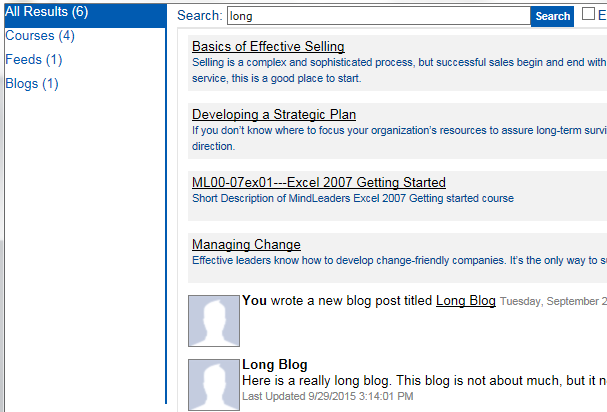
This widget allows a user to enter any term in the Search box and the LMS will search for this term throughout the system. The results may include items found in the Course Catalog, Blogs, and Sharespaces (wikis) depending on the settings selected.
The Settings tab allows you to choose how to search and sort.
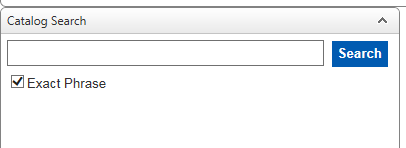
Select the "Show 'exact phrase' option" checkbox to have an exact phrase checkbox added to the widget for the end-user:
Select the "Use Social Search" checkbox to have social items such as blogs, feeds, and sharespaces included in the search results. If your system does not have Social, then this option does not apply.
Use the "Sort Results By" drop-down to select how the course results should be sorted. If the search results include both courses and social items, all of the courses will be listed first and then the social items.